


red750
-
Posts
8,152 -
Joined
-
Last visited
-
Days Won
73
Content Type
Profiles
Forums
Gallery
Downloads
Blogs
Events
Store
Aircraft
Resources
Tutorials
Articles
Classifieds
Movies
Books
Community Map
Quizzes
Videos Directory
Posts posted by red750
-
-
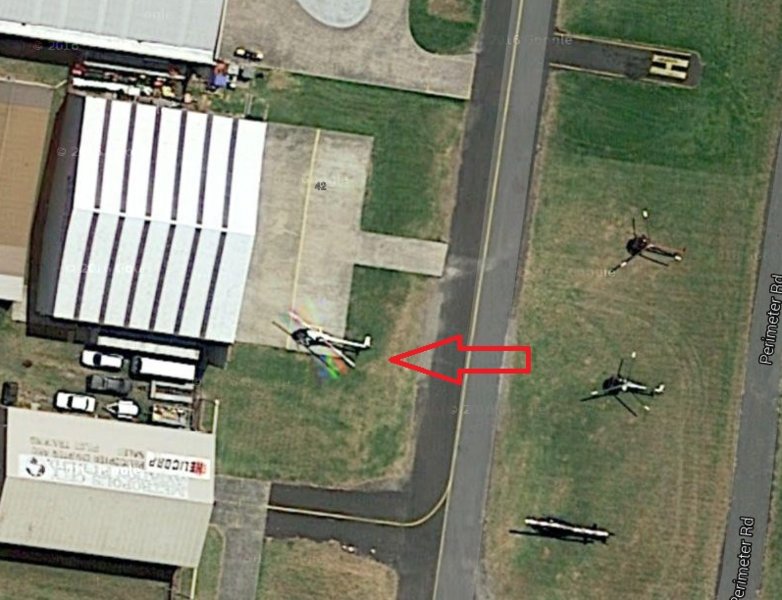
HITC, I refer to your post #417 on page 21 about the shadow of the U2. Looking through some old photos, I came across this Google satellite view of Moorabbin Airport showing a helicopter with its blades rotating. You can see the time lapse between the red, green and blue shutter exposures.

-
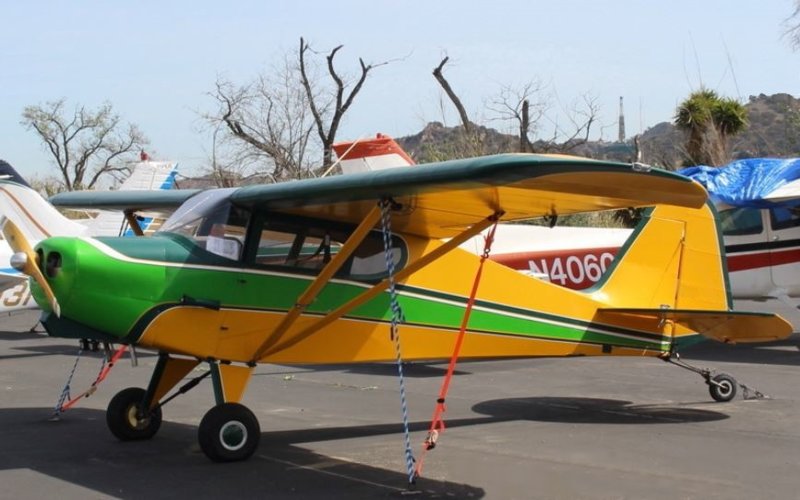
That's right Merc, by Wag Aero.
-
Very close, in fact I think it's pretty much a rip-off. The manufacturer makes parts for Cessna, Piper, Taylorcraft, and was started in the 60's by two brothers.
-
Derek,
What type of computer are you using - Windows or iPad or iMac? If Windows, what version?
If it's Windows 7 or Windows 10, there is an inbuilt tool called Snipping Tool. This is what I use to get the photos for Guess This Plane.
In Windows 10, where it says Type here to search in the bottom left hand corner, type Snip
Snipping Tool will appear at the top of the list.
In Windows 7, IIRC, it will say something like Show all programs.
Click on it and a small box will open at the top of the screen. I can't show the box because it disappears when you want to copy the screen. Here is the Snipping Tool icon.
In the box, click on New. A pale film will cover the screen. Place the cursor at the top left of the area you want to copy, and drag a rectangle around your subject. When you release the mouse button, the selected area will appear in a pop-up window. A menu in the window will allow you to Save As. Choose a folder to put you clip in (I use Pictures/Screenshots.) Give the file a name and click Save.
Make sure the Save as type box shows JPEG file. You can the upload the file.
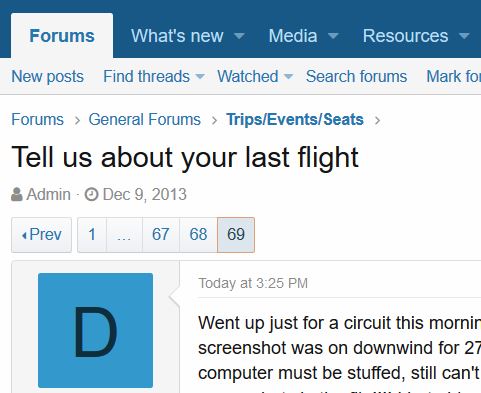
Here is a sample snip from the top of this page.
-
Frayed knot.
-
Correct Merc.
-
OMG you were quick with that one.
-
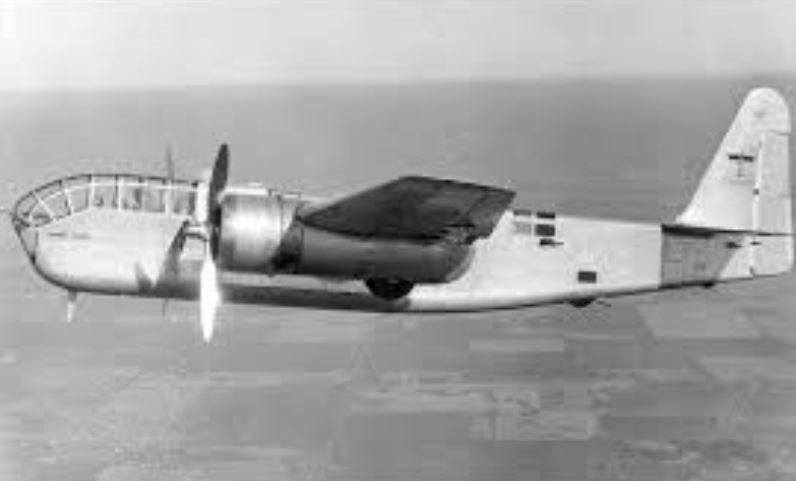
OK. It's been more than 48 hours. The plane with the glasshouse nose is a Stearman XA-21. History and more photos here.
-
SDQDI, you must get some interesting reactions when you tell people you fly a Hornet.
-
Link takes you to a paywall. I guess if it was a printed version you'd have to pay for it, but it's a bit much to have to commit to subscription for one article, which may be reported incorrectly anyway. If you do have access to it, (and you're using Windows), you could use the Snipping Tool to copy and post. That's how I get the Guess This Plane photos.
-
A 10-month-old puppy died on a United Airlines flight because flight attendants allegedly insisted on the dog going in the overhead compartment for the duration of the flight.
-
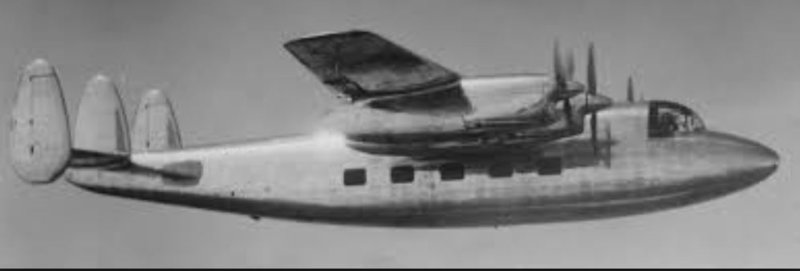
Near enough. The photo is actually the prototype Miles Marathon, but when Miles went out of business, Handley Paige bought out the rights and built the production models.
And now this:
-
The label on one of the photos said Ae45, but Ae145 was painted on the nose.
-
-
Looks like post #498 is still up for grabs.
-
Prototype Miles Gemini 1?
-
Yes kasper, Mitsubishi MU300.
Found another -
-
No comment on the joyflight chopper down in the East River with 5 dead. Pilot claims passengers luggage knocked emergency fuel shut-off switch.
-
That would be too obvious.
-
Yep. Here goes my last for a while, I've run out of material.
-
Correct. This one is similar so should be identified quickly.
-
Wow, thought that one might stump you.
Try this one.
-
I'll give you that one. It was listed as a Texas Parasol, and was the banner photo for the Texas Parasol group.
-
The helicopter wheeled out of the hangar should have been parked on the H in line with the near Danger sign.


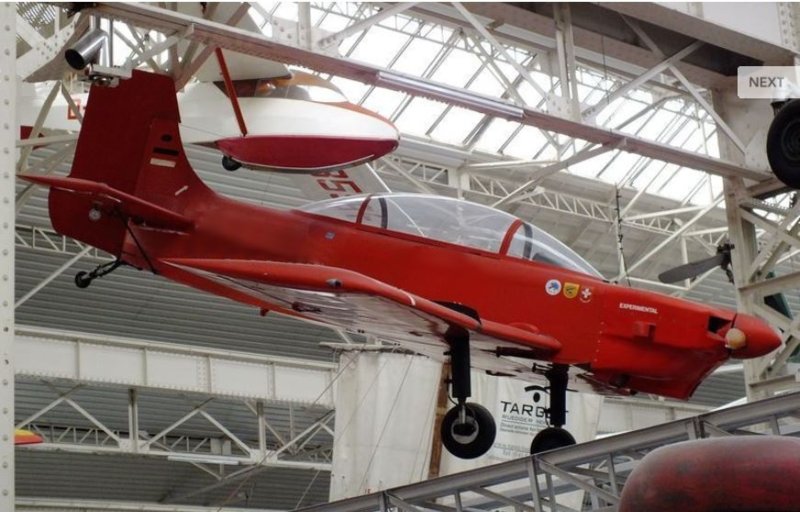
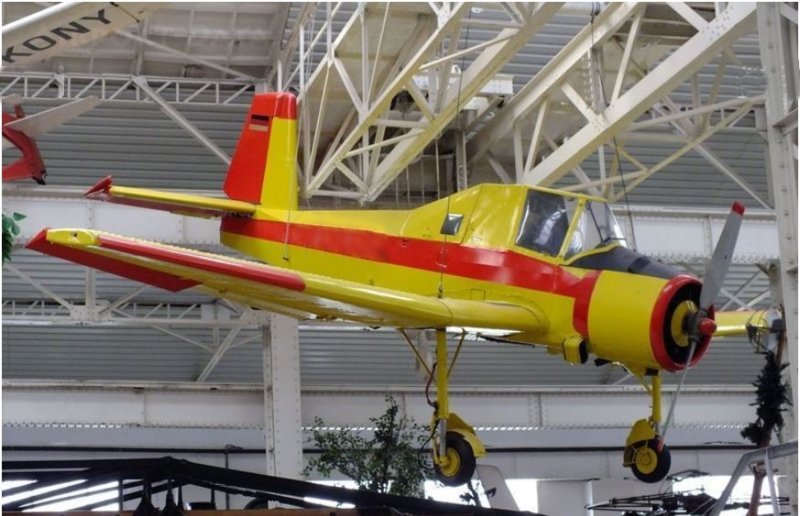

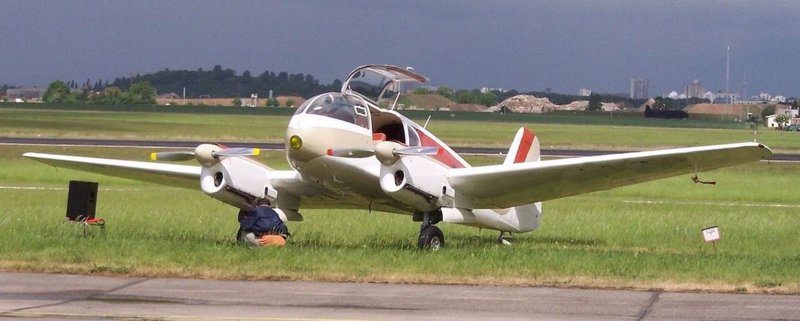
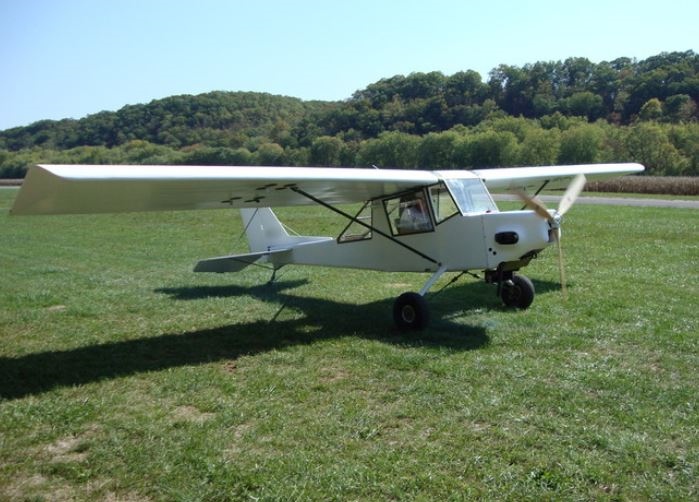
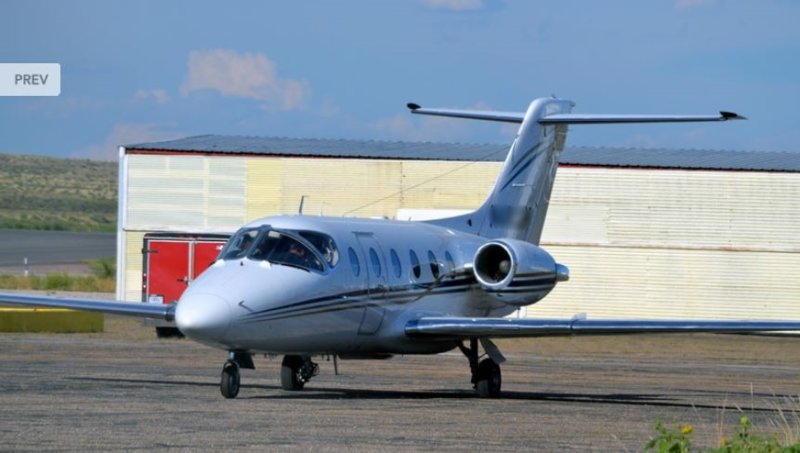
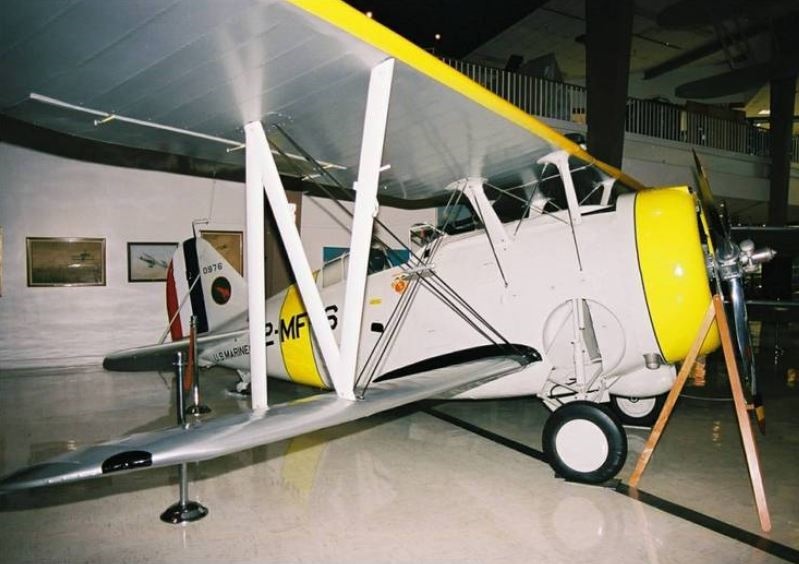
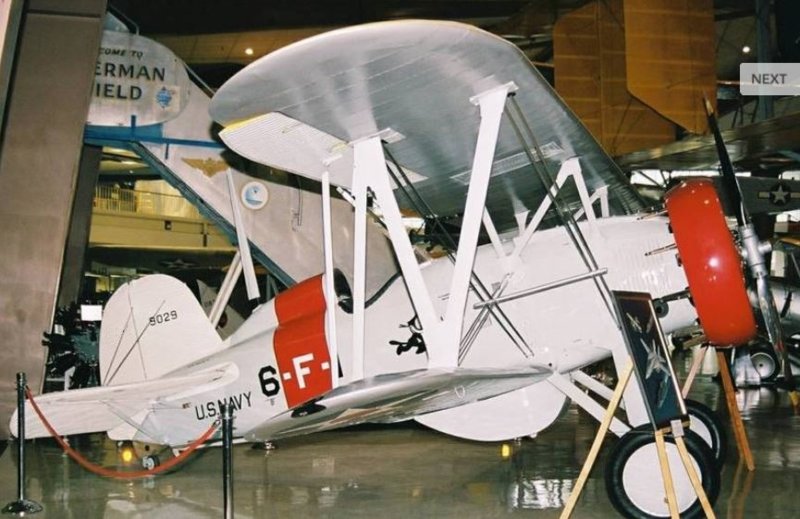
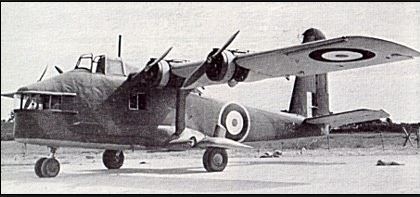
Guess This Aircraft ?
in AUS/NZ General Discussion
Posted